Header
Respondido

Connect Huawei B310s to TP-Link Deco E4

  • December 16, 2025
  • 8 comentários
  • 28 visualizações

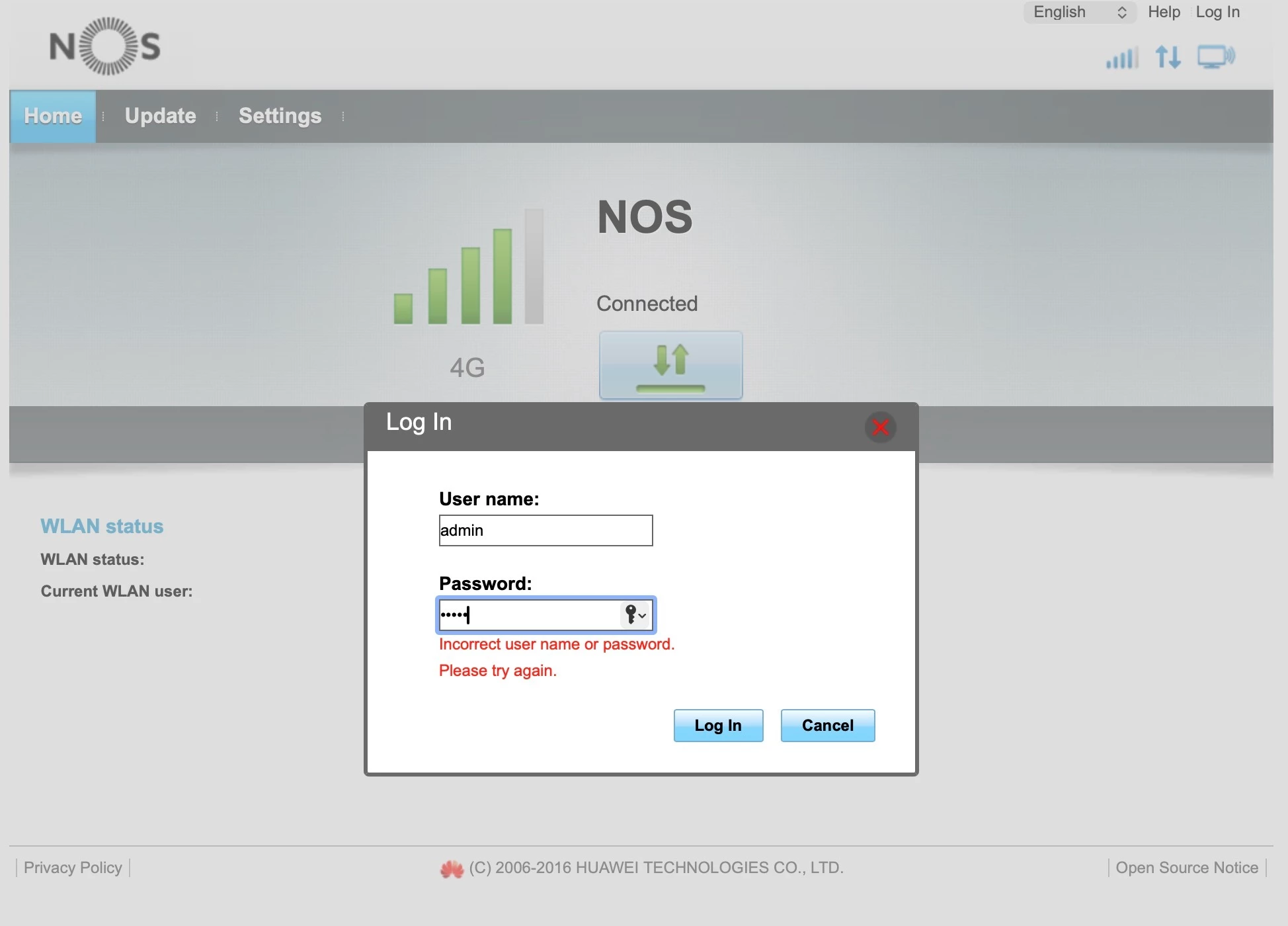
English: I want to connect the Huawei B310s modem to a TP-Link Deco E4 mesh network via an ethernet cable.  I have been told the Huawei wi-fi should be turned off, but I am unable to log in to the Huawei management web page because it does not accept “admin” as the user name and password.

Portuguese: Quero ligar o modem Huawei B310s a uma rede mesh TP-Link Deco E4 através de um cabo Ethernet. Disseram-me que o Wi-Fi do Huawei deve ser desligado, mas não consigo aceder à página web de gestão do Huawei porque não aceita «admin» como nome de utilizador e palavra-passe.


Melhor resposta por João H.

Thank you for your feedback ​@Martin Stokes,

We recommend  doing a factory reset to the router. In the back or side panel you should find the reset button.

Please try login in again with the same credential after the reset and share with us if the issue is solved.

Thank you

8 Comentários

João H.
Forum|alt.badge.img+6
  • Gestor da comunidade
  • December 16, 2025

Hello ​@Martin Stokes,

Thank you for reaching out to us. 

Are you accessing the page at http://nos.internet?

Thank you


  • Autor
  • Kilobyte
  • December 16, 2025

Yes.  


João H.
Forum|alt.badge.img+6
  • Gestor da comunidade
  • Resposta
  • December 16, 2025

Thank you for your feedback ​@Martin Stokes,

We recommend  doing a factory reset to the router. In the back or side panel you should find the reset button.

Please try login in again with the same credential after the reset and share with us if the issue is solved.

Thank you


  • Autor
  • Kilobyte
  • December 16, 2025

Obrigado.

The reset was successful.  Please can I ask a supplementary question?  When I connect the TP-Link mesh network to the Huawei router, what setting do I change to turn off the WiFi signal from the router?

O reset foi bem-sucedido. Posso fazer uma pergunta suplementar? Quando ligo a rede mesh TP-Link ao router Huawei, que configuração altero para desligar o sinal WiFi do router?


Bruno Aleixo
Super User
Forum|alt.badge.img+1
  • Super User
  • December 16, 2025

Obrigado.

The reset was successful.  Please can I ask a supplementary question?  When I connect the TP-Link mesh network to the Huawei router, what setting do I change to turn off the WiFi signal from the router?

O reset foi bem-sucedido. Posso fazer uma pergunta suplementar? Quando ligo a rede mesh TP-Link ao router Huawei, que configuração altero para desligar o sinal WiFi do router?

I dont think there are oficial papers on the config page for that one, can you share a print? 

can you show a print of the internal page? 

also, i dont think u need to turn off the routers wi-fi, do you have a repeater conected to the router via ethernet cable? 


  • Autor
  • Kilobyte
  • December 16, 2025

I have not found any setting on the configuration page that refers to wi-fi.

It was recommended to turn off the Huawei wi-fi, presumably in case it interfered with the TP-Link mesh wi-fi, which I will be connecting to the Huawei by ethernet cable.  I will try to set up the configuration and then it will become evident if there is a conflict.  The TP-Link mesh wi-fi will have a different SSID.


Bruno Aleixo
Super User
Forum|alt.badge.img+1
  • Super User
  • December 17, 2025

if they have diferent ssids there will be no conflict. 

share a print of the user interface, blurring any personal data, maybe we can help you find the option.


  • Autor
  • Kilobyte
  • December 17, 2025

I have now changed the Huawei SSID to hidden.  So far, the Huawei and TP-Link are co-existing without conflict.

Thank you for your interest.  I think I can classify this query as resolved.

Regards  Martin